What a depth map actually controls
A ControlNet depth map is not a record of light and shadow. What it records is how far each pixel sits from the lens. Near is bright, far is dark, and the figure’s contour plus the depth relationship between body parts get compressed into a “distance map” the model can read.
That buys two things directly: the model is not pulled around by the source image’s materials, colours or lighting, and it still receives the body’s orientation, the position of the limbs and the front-to-back occlusion exactly. Give it a standing depth map and it will not copy the clothing texture, but it will reproduce the angle of the hip, the lift of the arm and where the feet land.
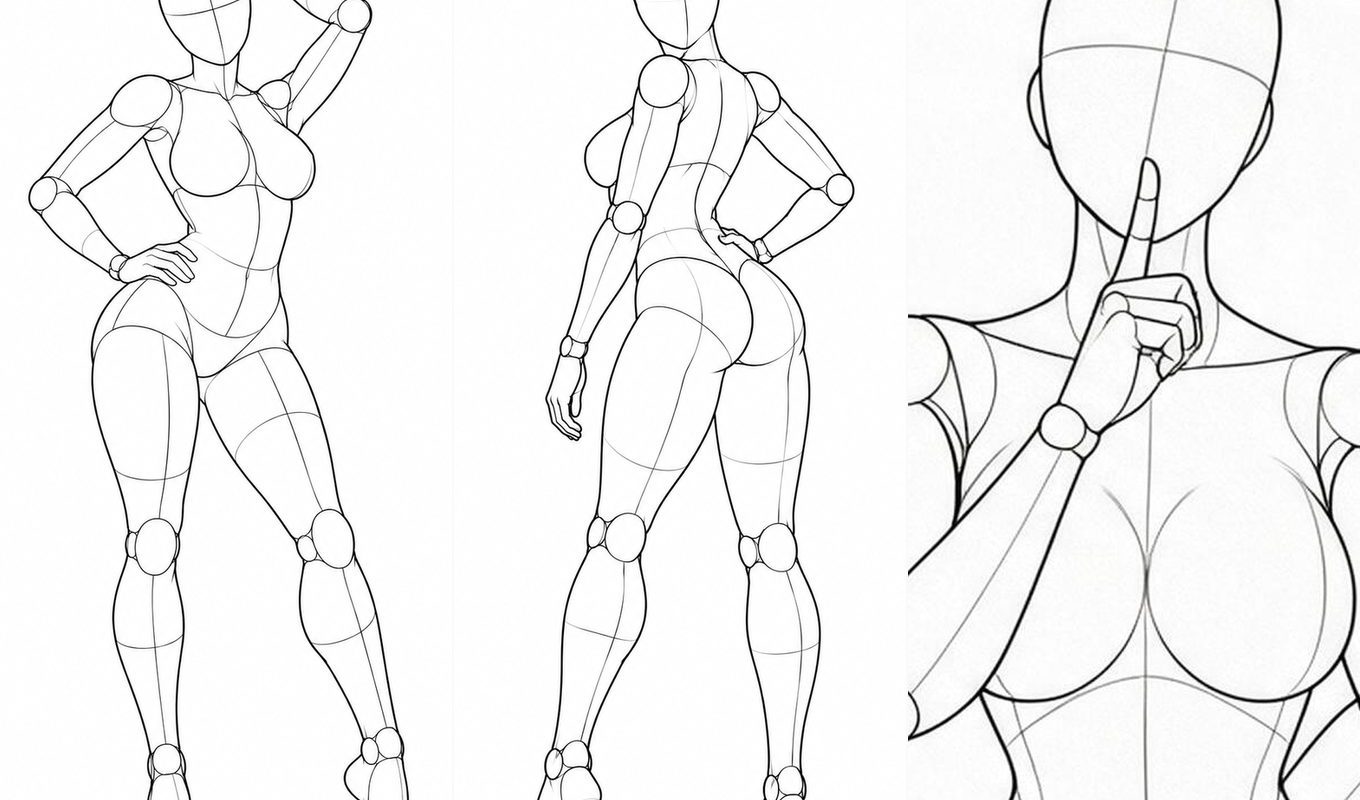
Line art takes a different route: it describes contour and structural lines, which suits work where you need to keep the skeleton of the frame without letting grayscale dictate skin tone. The efficient approach is therefore not choosing one or the other but preparing two images per pose and using them by stage — depth map to fix the skeleton during composition, line art to fix the contour when colouring.
Step one: narrow the library down to three or four poses
Most people get stuck on parameters, not on “finding the right pose”. The right order is to converge first, generate second.
- Start in the pose library and narrow the range by system: pick one of full body single, upper body single, or pair.
- Filter again by category — standing, seated, kneeling, leaning. System and category are two levels, and combining them usually leaves a few dozen images.
- Lock the camera angle last. Each pose has five views — front, high, low, side and three-quarter — and high and low produce completely different perspective. Pick wrong here and everything downstream is wasted.
Three to five images is enough. Once you start generating you will find that far fewer poses are usable than you expected — the problem is usually not the count but whether you chose the right angle.
Step two: switch the source and compare
The pose library’s filter bar has a “Source” option: depth map, line art, compare. On compare, hovering a card fades to the line art in place; in the full-size view the two sit side by side.
What this step does is simple — confirm that the pose holds up in both representations. Some poses have a clean contour in depth but smear where the arm overlaps the torso once converted to line art; others are crisp in line art and muddy in depth. Finding out now beats generating five wasted images and coming back.
Step three: parameters for ControlNet
Taking Stable Diffusion WebUI as the example, the usual combination is:
- Preprocessor: if you are using the library’s depth maps directly, choose
none. The library’s images are already normalised, and running a Depth preprocessor over them costs you tonal separation. - Model:
control_v11f1p_sd15_depth(SD1.5) or the matching SDXL depth model, with the version aligned to your base model. - Control weight: start at 0.65. Below 0.5 the pose drifts; above 0.9 the image stiffens and starts to look pasted on.
- Control end: 0 to 0.75. Let the first three quarters of the sampling steps be controlled and leave the rest to the model.
- Resolution: the control image and the generated image must share an aspect ratio. The library’s originals are 900×1200 (3:4); generate at 3:4 as well, or the figure will be stretched.
The three most common problems
1. The figure comes out like a mannequin
The weight is too high, or the control end reaches into the final steps. Drop the weight to around 0.7 and set the end between 0.7 and 0.8, letting the model handle the folds and the expression in the closing steps.
2. Hands and feet break
Depth maps constrain fingers weakly to begin with — five fingers sit at nearly the same depth. The fix is to crop the frame to the upper body, or to inpaint the hands afterwards. The library’s “upper body single” system exists for exactly this kind of shot.
3. In a two-person scene one pose is always lost
When two figures’ depth values occlude each other, the model cannot tell who is in front. Prefer line art in that case, or brighten the pair’s depth map by one step so the front-to-back separation opens up.
Lock the workflow down
On a real project I would fix the order as: filter by angle → compare sources → set the weight → test on a single image → batch generate. The first two steps take two minutes in the library; the last three are where the time actually goes. Putting the cheap actions first is where the whole workflow saves the most.
All 288 pose sets and 2,880 images in the library can be downloaded directly, and you can take a whole system as a pack. The next article covers how to write the prompt.